Witch Halloween Decoration Ornament SVG
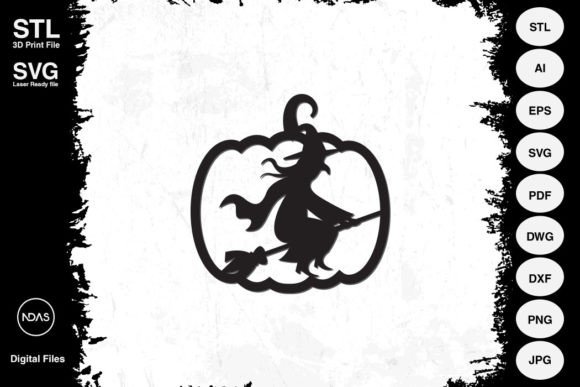
Imagine your Halloween decorations taking on a magical, three-dimensional life of their own, casting enchanting shadows and adding a touch of whimsical spookiness to every corner. That's the creative potential unlocked with a versatile Witch with Broom Halloween Decoration Ornament design file. This digital asset is more than just a simple image; it's a complete creative toolkit for crafters, makers, and designers looking to elevate their seasonal projects with professional flair.
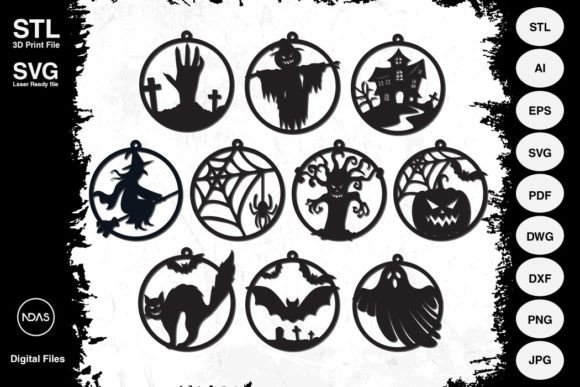
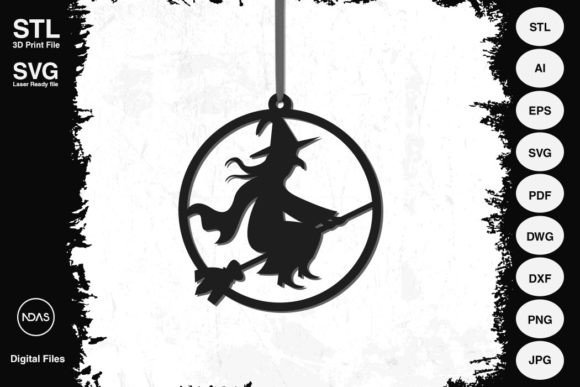
This particular design package is a standout example of a premium digital asset, offering exceptional flexibility for a wide range of applications. The core of the package is a beautifully detailed witch silhouette, complete with her iconic broomstick, designed to work seamlessly as a 2D cut file or a 3D printable object. It arrives as a comprehensive suite of design files, ensuring compatibility with virtually any software or machine you use.
What's Included and How to Use It
The download contains all the file formats a modern creator could need, making it a valuable part of your library of design assets. You'll find:
- Vector Files (SVG, AI, EPS, DXF, DWG): Perfect for laser cutting, CNC routing, and use with cutting machines like Cricut or Silhouette. These files allow for infinite scaling without any loss of quality, meaning you can create a tiny ornament or a large window cling with the same crisp lines.
- 3D Printable File (STL): This format is ready for your 3D printer, allowing you to create a tangible, textured ornament with a suggested size of 4.5 x 4.85 x 0.25 inches. The file is easily scalable in your slicing software to fit your desired project.
- Standard Image Files (PDF, PNG, JPG): These are useful for quick printing, digital mock-ups, or incorporating the witch graphic into other digital designs like social media graphics or party invitations.
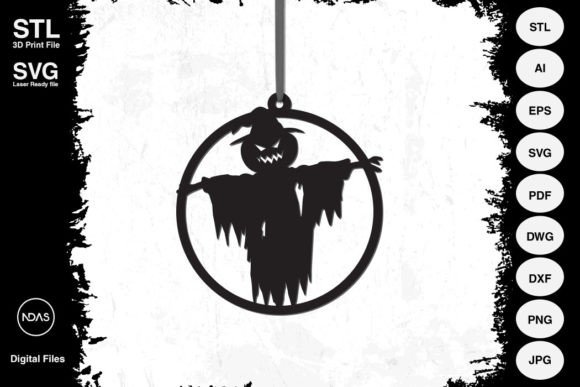
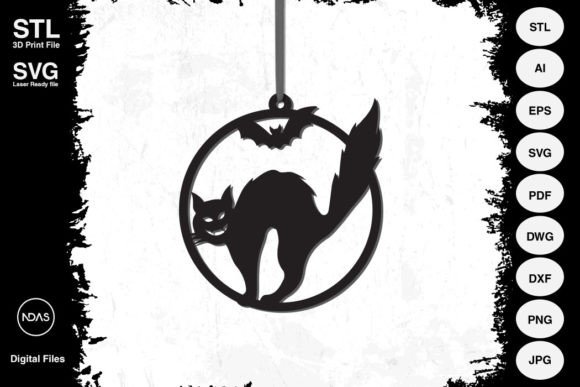
The practical use cases are extensive. Use the SVG file to cut a stunning witch ornament from plywood or MDF for a rustic wall hanging. Employ the 3D print file to create a series of unique pendants for a Halloween garland or favor bags. The design's clean lines ensure it works beautifully with materials like acrylic, cardboard, plastic, and even metal, allowing for true creative freedom.
Tips for Choosing and Using Your Design Files
When selecting any digital design asset, a few considerations ensure success. First, always check the scalability. A well-crafted vector file, like the one included here, is a sign of a quality product because it guarantees your project will look sharp at any size. Next, consider the mood and style. This particular witch design has a classic, recognizable silhouette that fits traditional Halloween aesthetics while still feeling clean and modern.
Think about your project's context. For brand consistency in a small business's Halloween campaign, using the same design element across packaging, web banners, and merchandise creates a cohesive and professional presentation. The right graphic can significantly enhance brand recognition and visual appeal. Always review the included formats to ensure they match your workflow—whether you're a laser cutting enthusiast, a 3D printing hobbyist, or a graphic designer assembling a poster.
Finally, remember that the true value of such a versatile file lies in its reusability. It's not just for one project. This single asset can become a go-to element for years of Halloween creativity, from annual party decor to seasonal product lines. By choosing a well-designed, multi-format file, you're investing in a tool that saves time, inspires new ideas, and helps your finished work look consistently polished and professional.